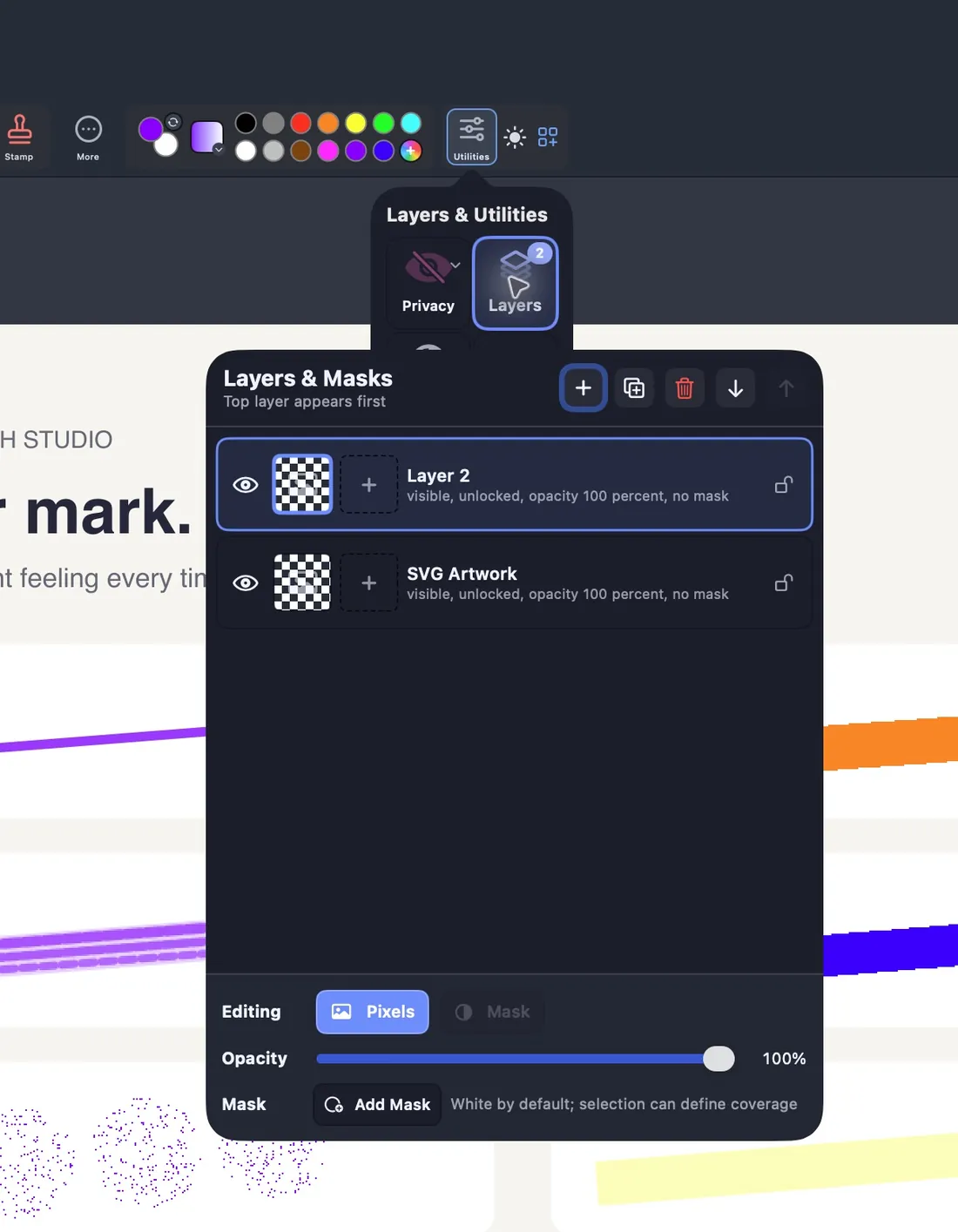
Layers and masks
Hide, lock, reorder and mask layers.
Paint should feel easy again.
The classic paint program, made for Mac. Every tool has its name on it.
Free 7-day trial here or on the Mac App Store · Mac with Apple silicon, macOS 14 or later

Your toolbar, your way
Scroll the tools, pull them down into more rows, hide the names or make every button bigger.


Readable at a glance
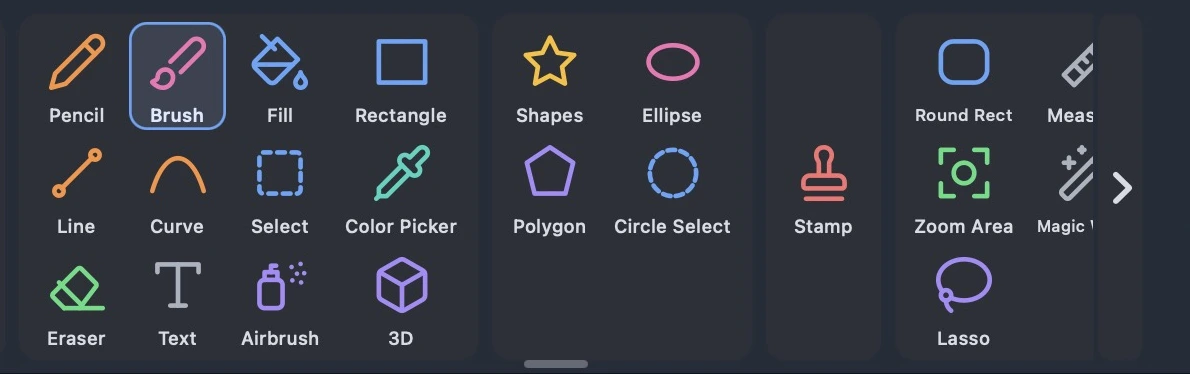
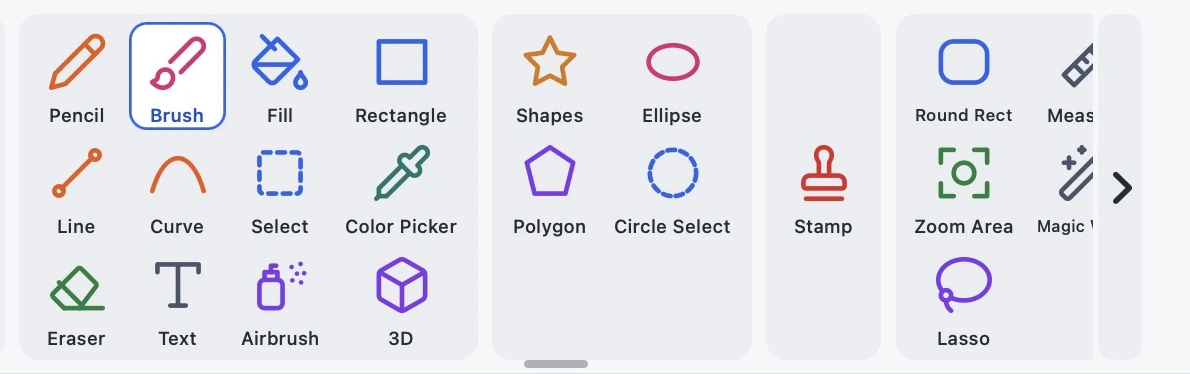
No guessing what an icon does. Each button shows a picture and a word.




The real toolbar at 150% size, with a name under every button. Round Rect, Measure, Zoom Area, Magic Wand and Lasso are under More.
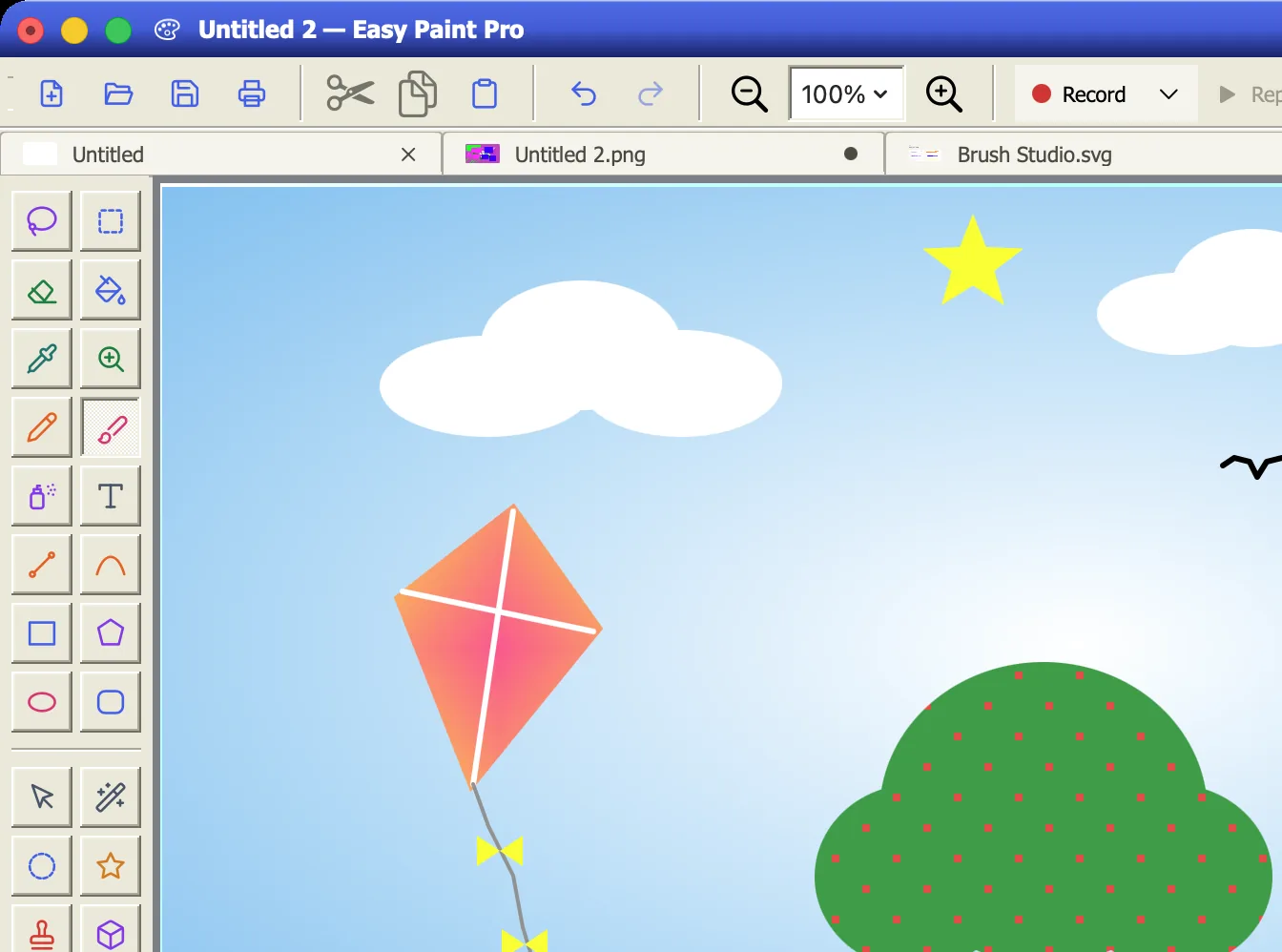
The Classic look
Turn on the Classic Retro skin. Tool palette on the left, colors along the bottom, a blue title bar on top.
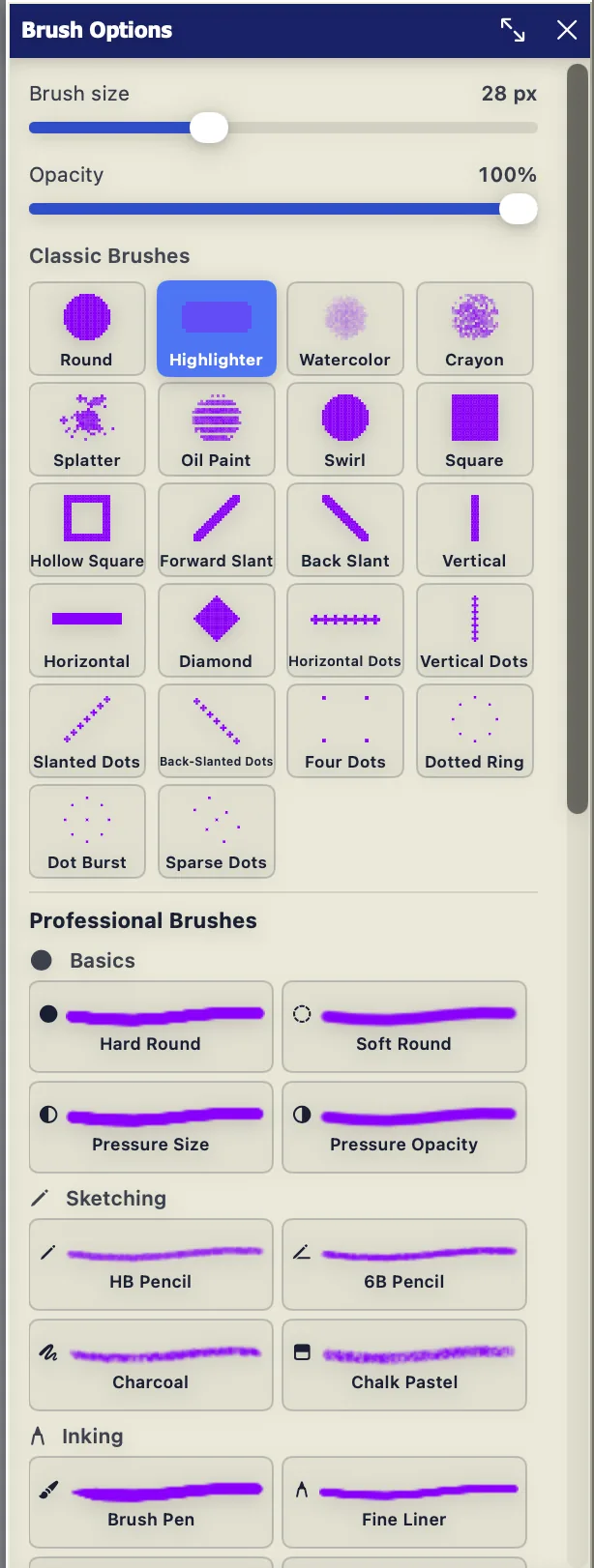
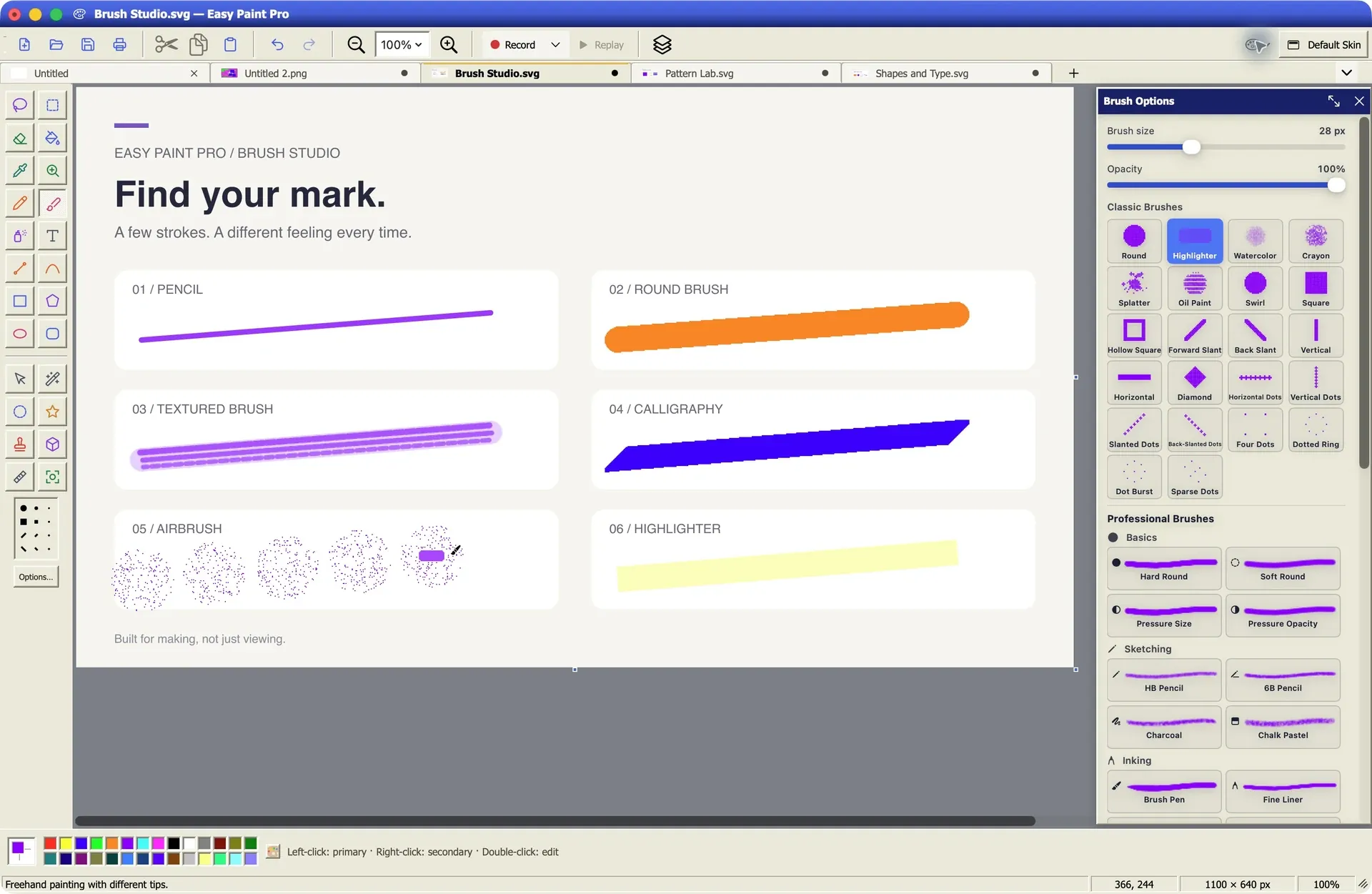
22 classic tips plus a professional library.
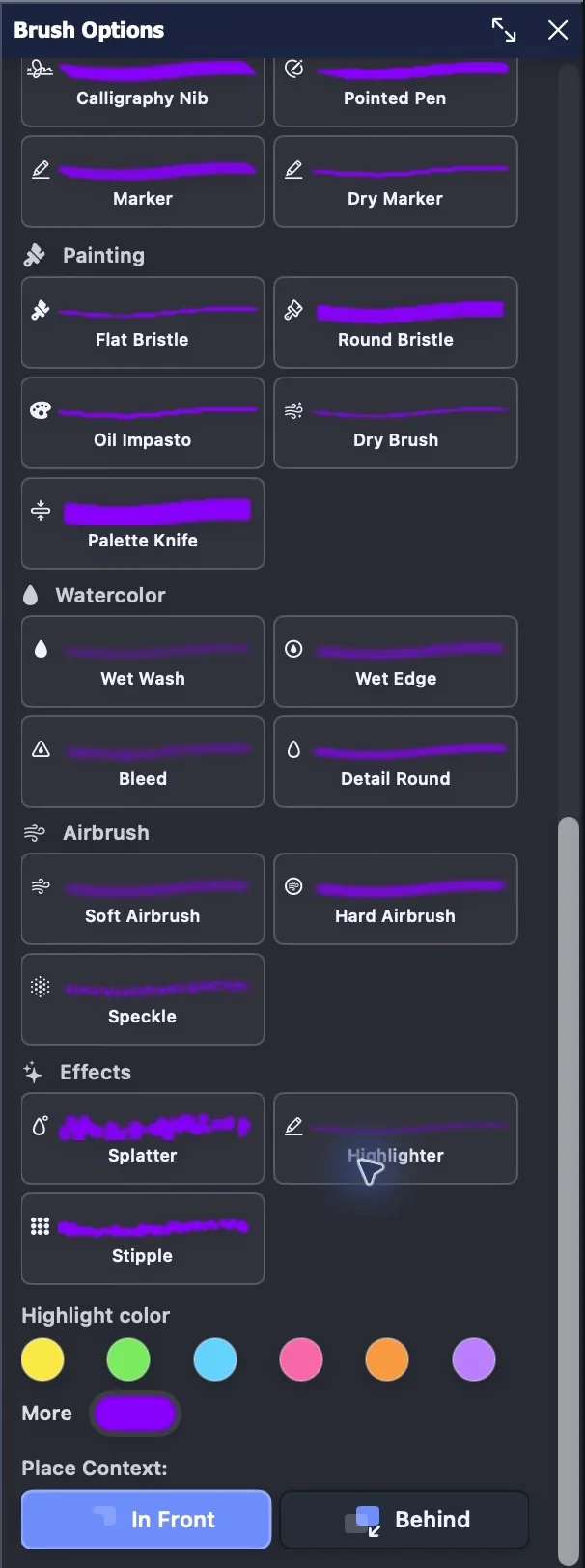
Watercolor, oil, ink, airbrush and effects.
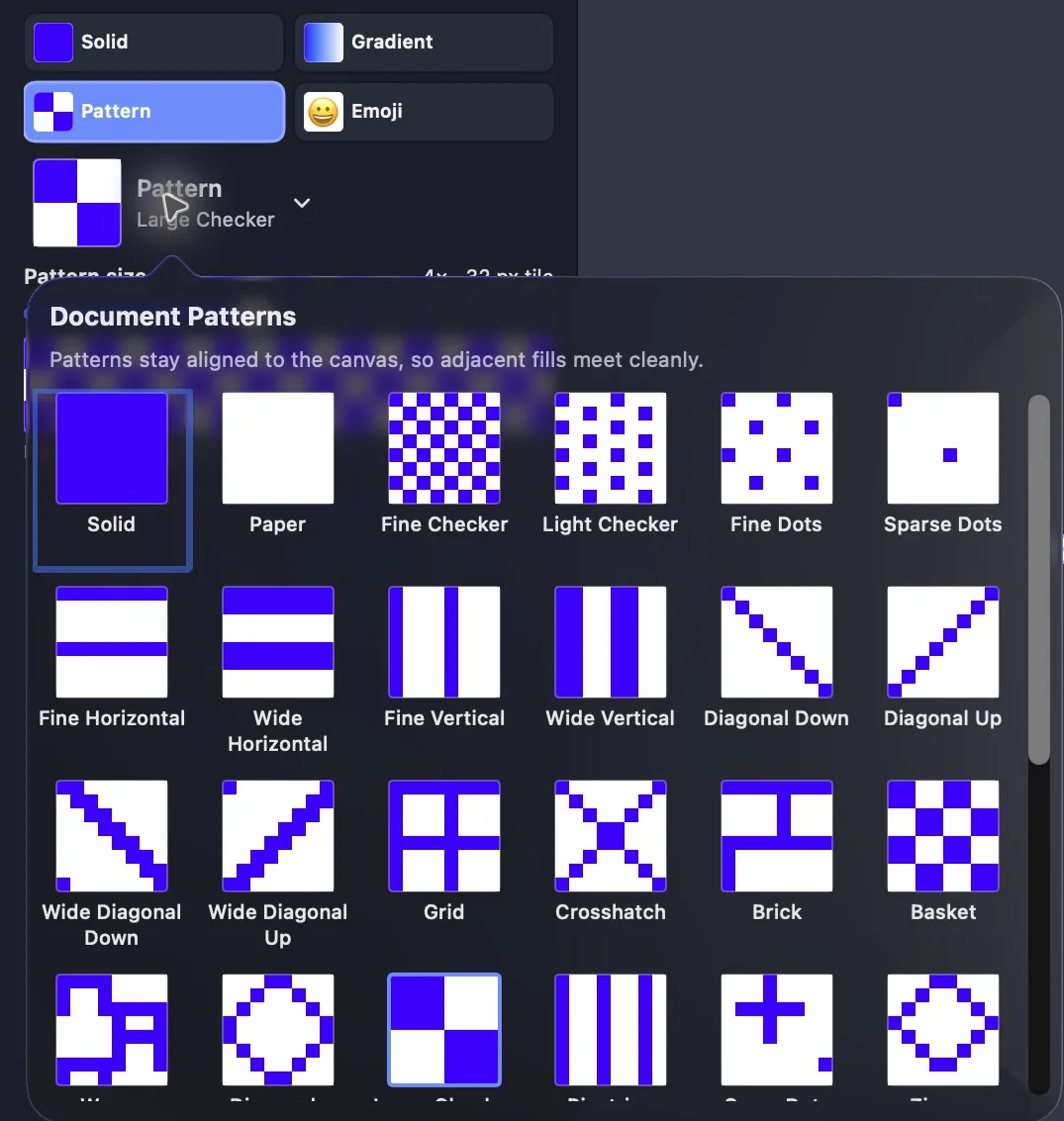
Fill shapes with your own two colors.
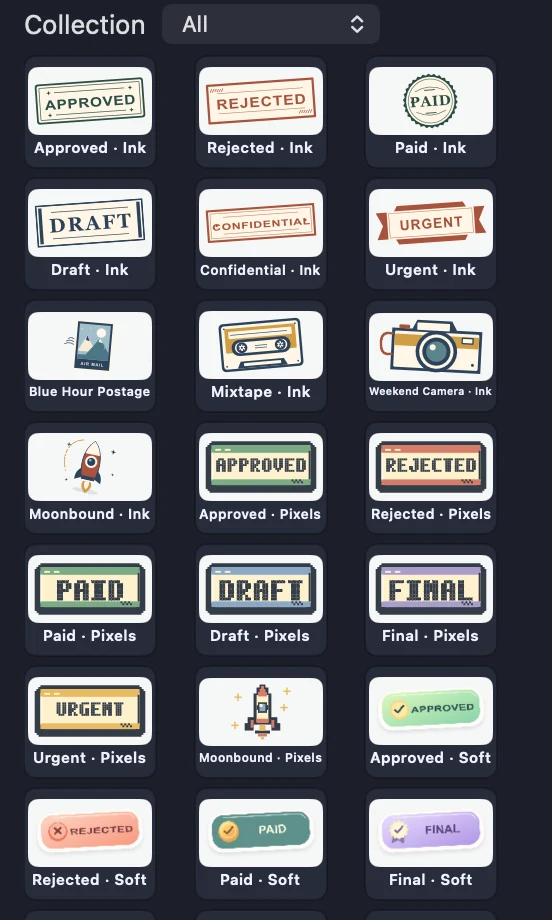
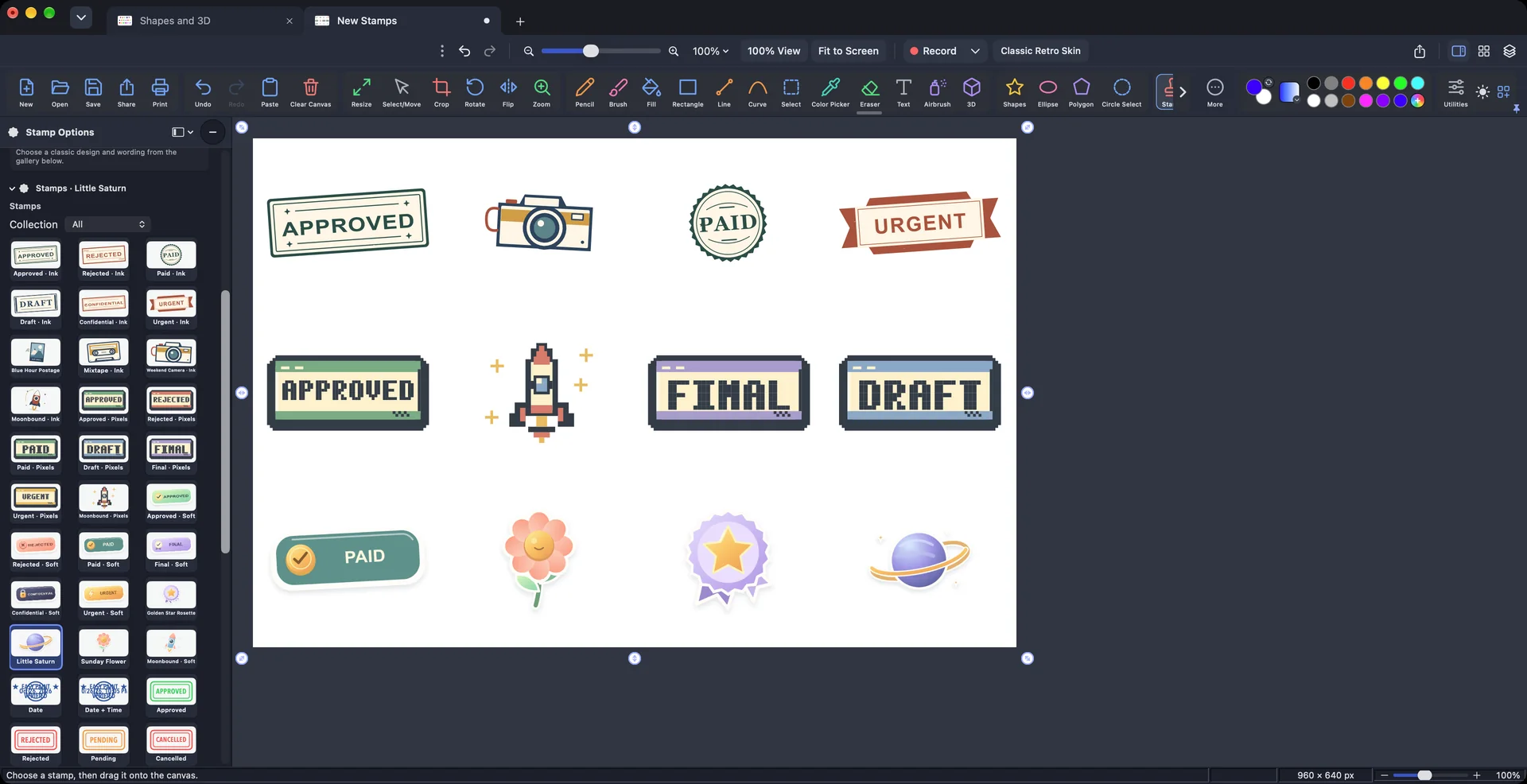
Ink, Pixels and Soft styles, plus picture stamps.
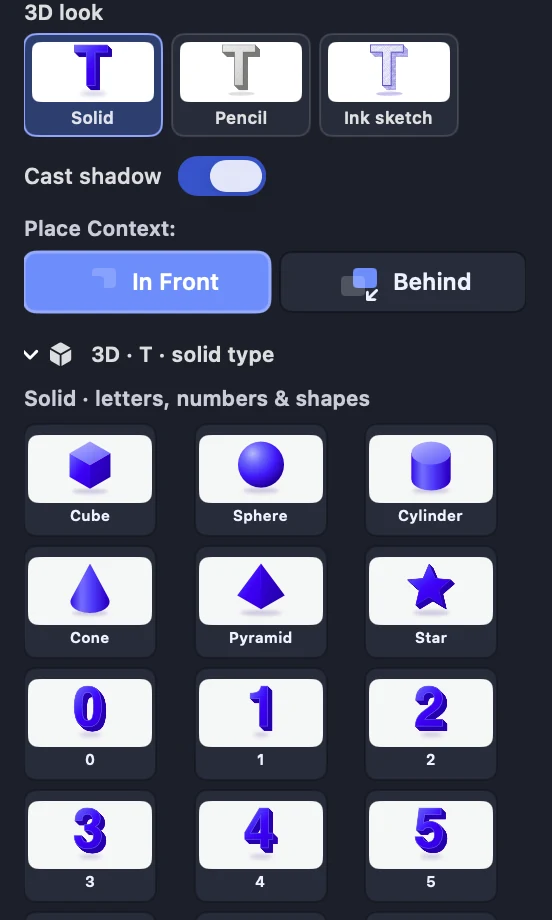
3D letters, numbers and solids with soft shadows.
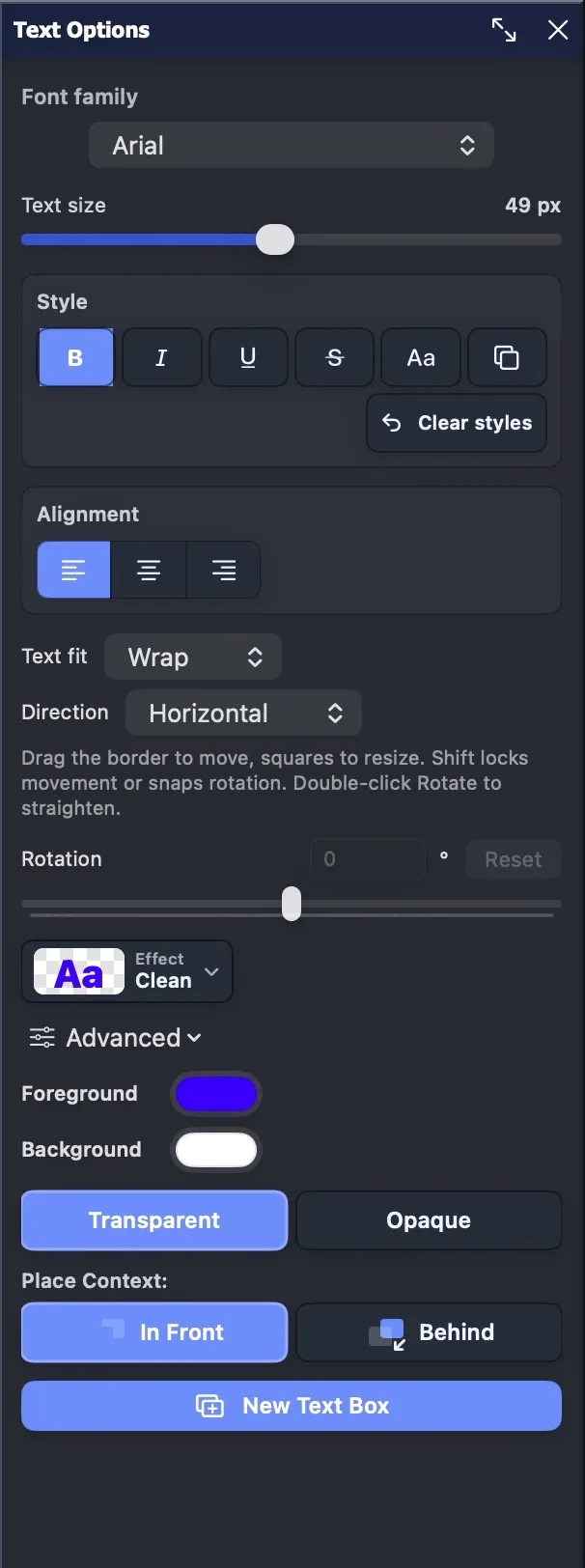
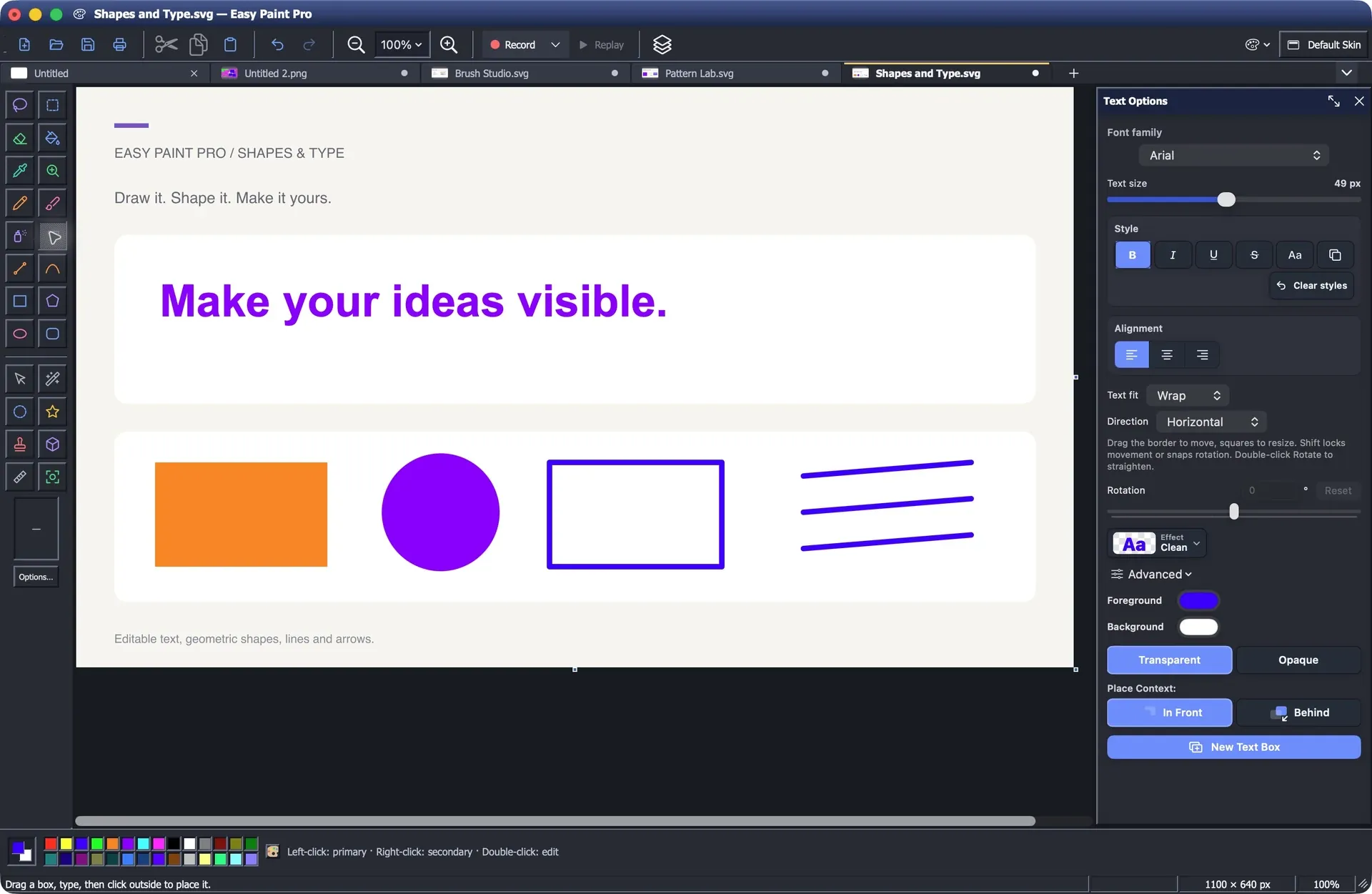
Type right on the picture and style it.
Tab groups


Make something
Pencil, round, textured, calligraphy, airbrush and highlighter, side by side.
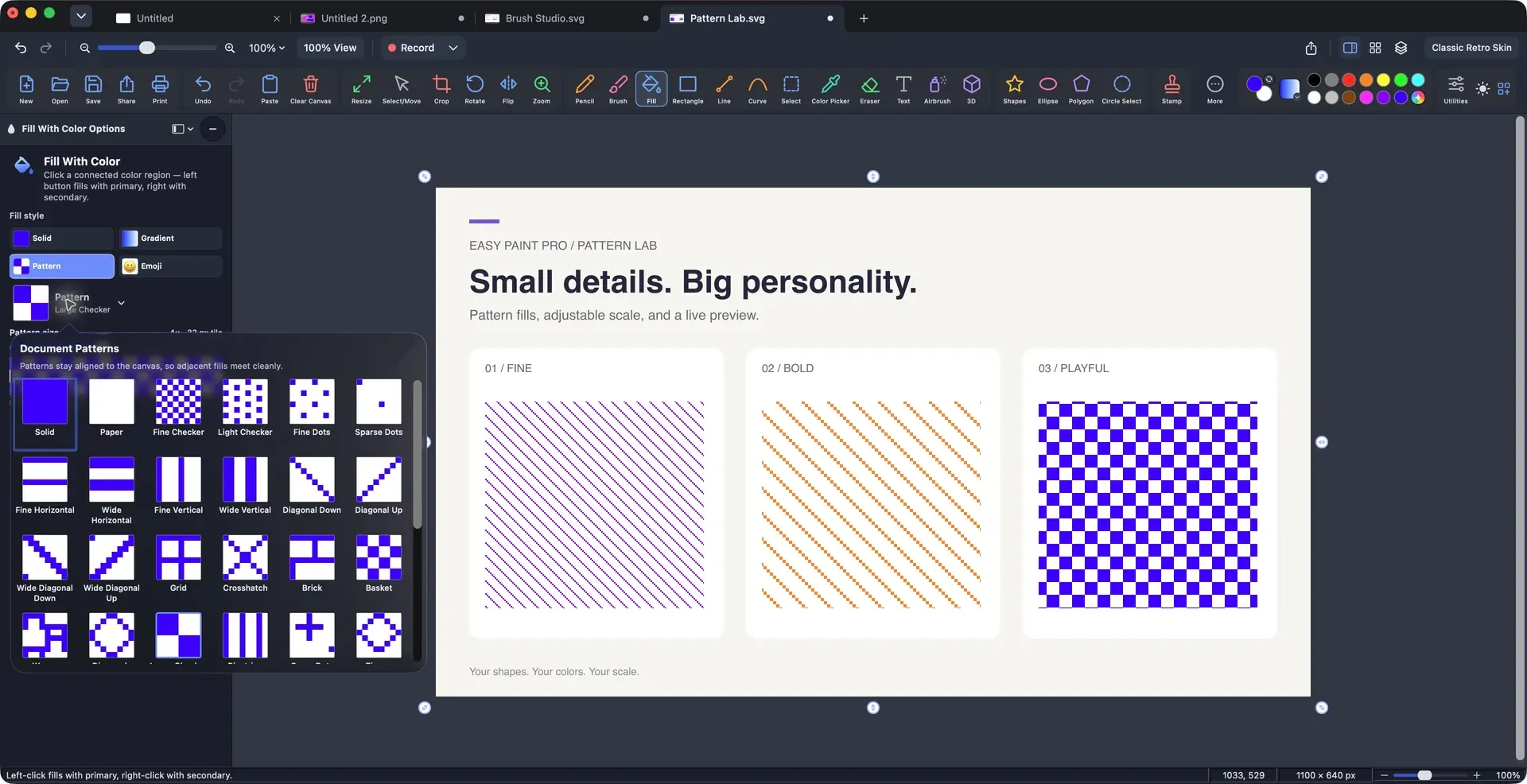
Pick a tile, set it from 1× to 8×, and fill.
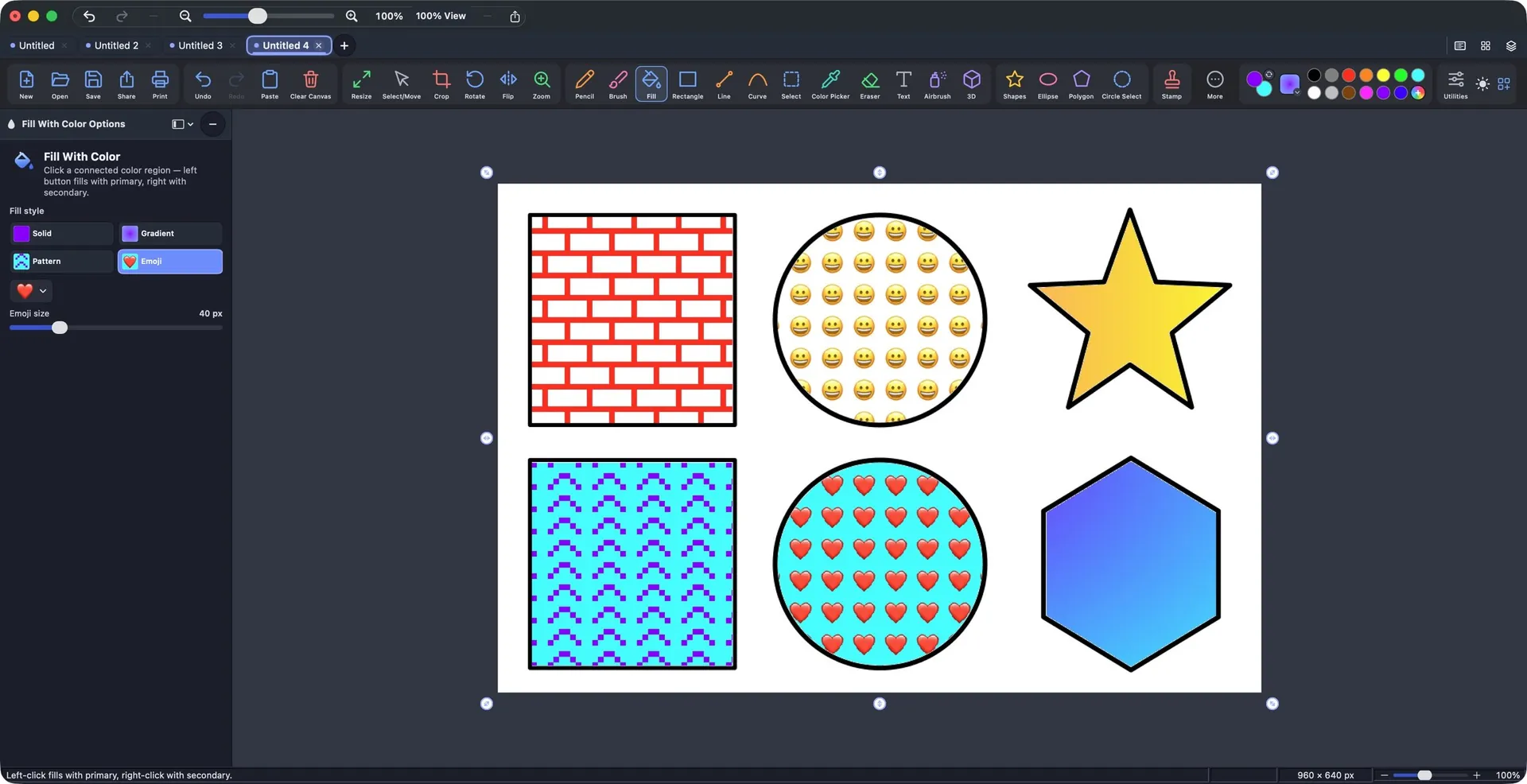
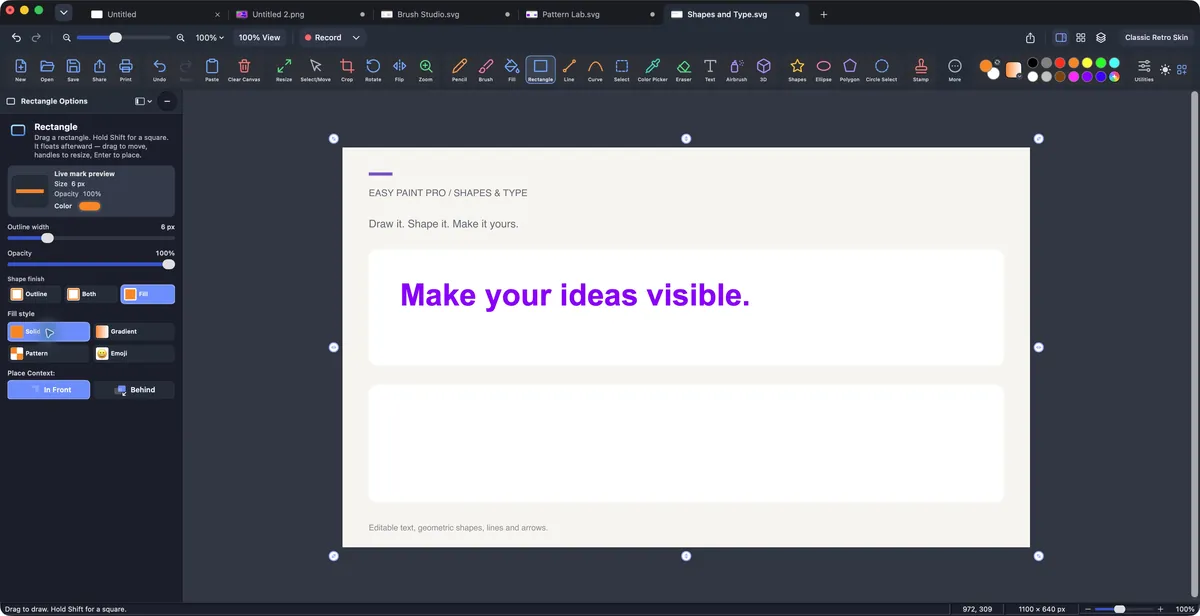
Solid, gradient, pattern or emoji.
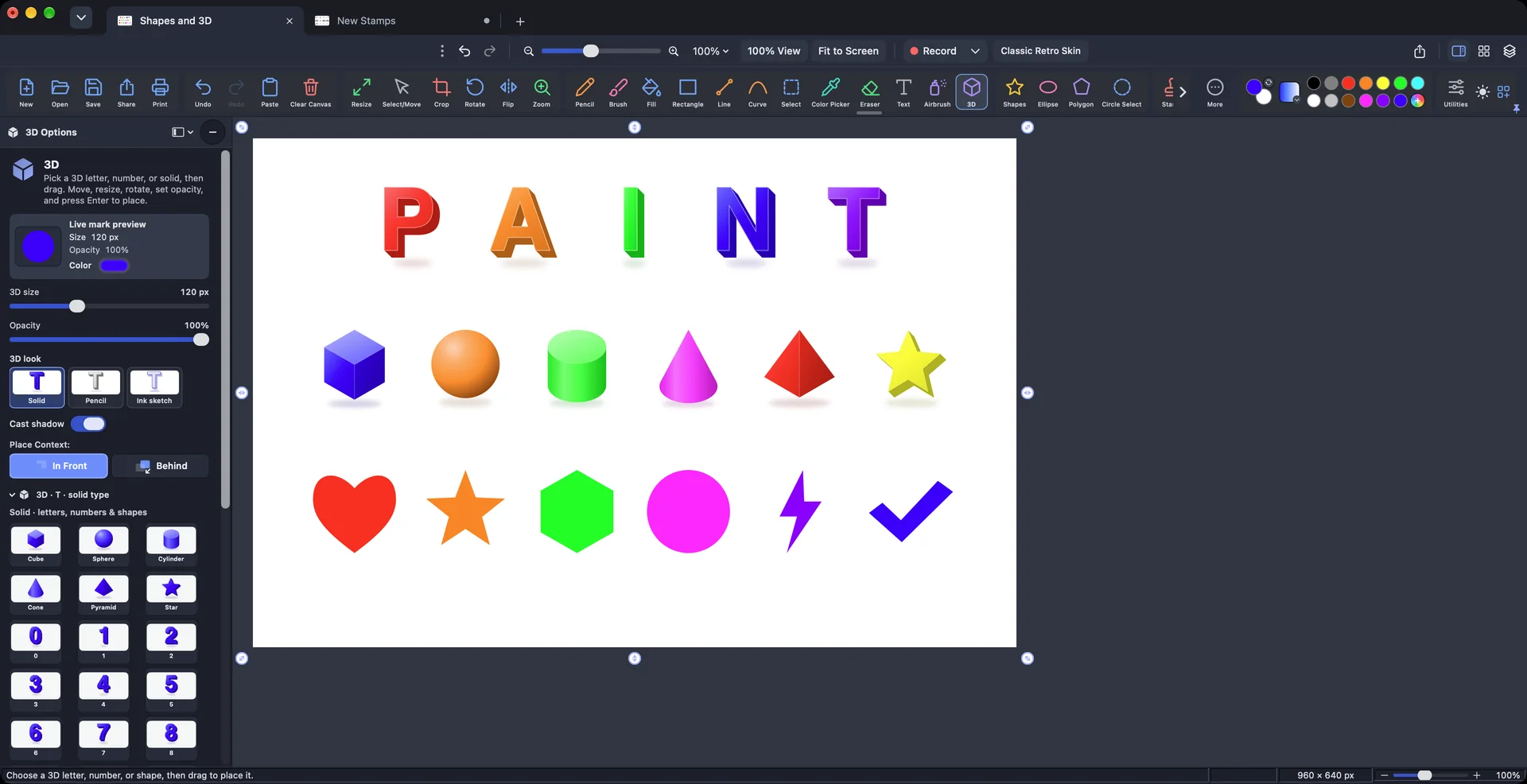
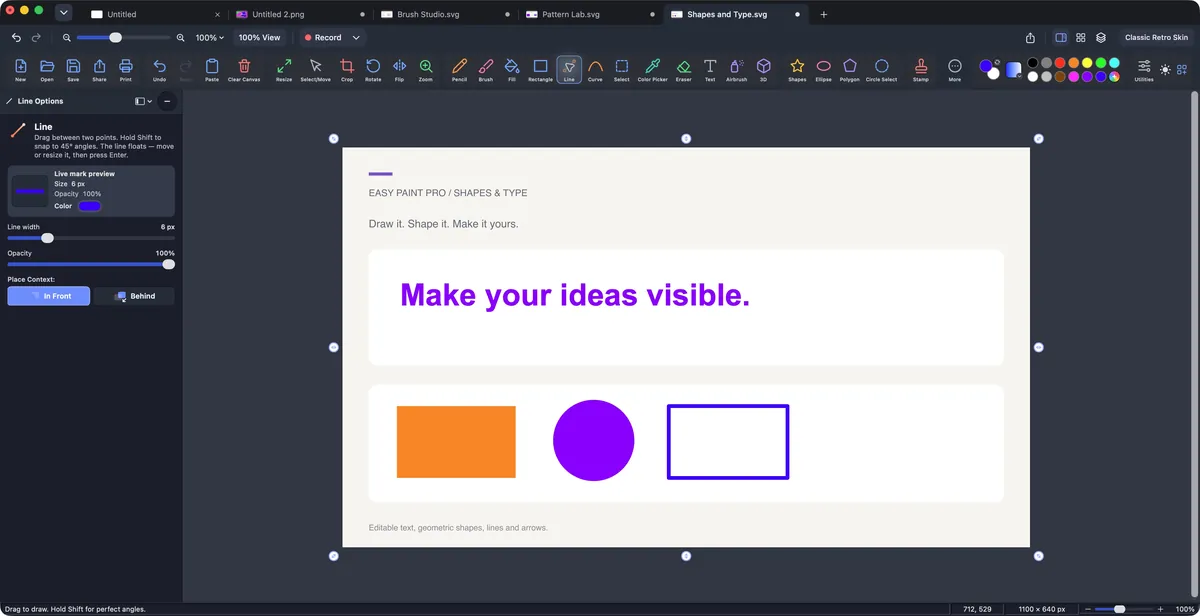
30+ shapes, plus 3D letters and solids with soft shadows. Move and resize before you place them.
Fonts, styles, alignment and rotation.
New Ink, Pixels and Soft styles, plus picture stamps. Size it and place it.
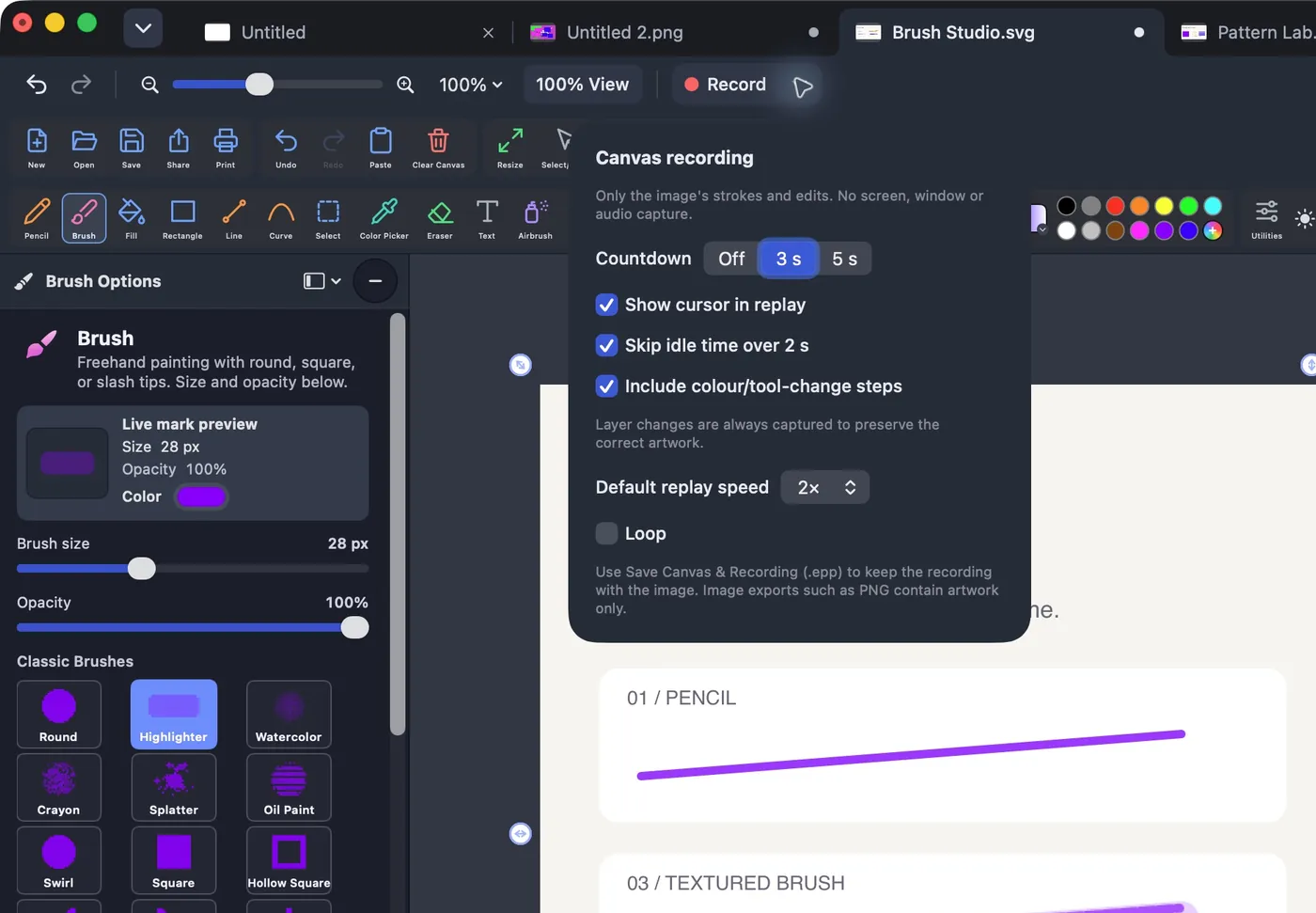
Canvas recording
Room to grow
Hide, lock, reorder and mask layers.
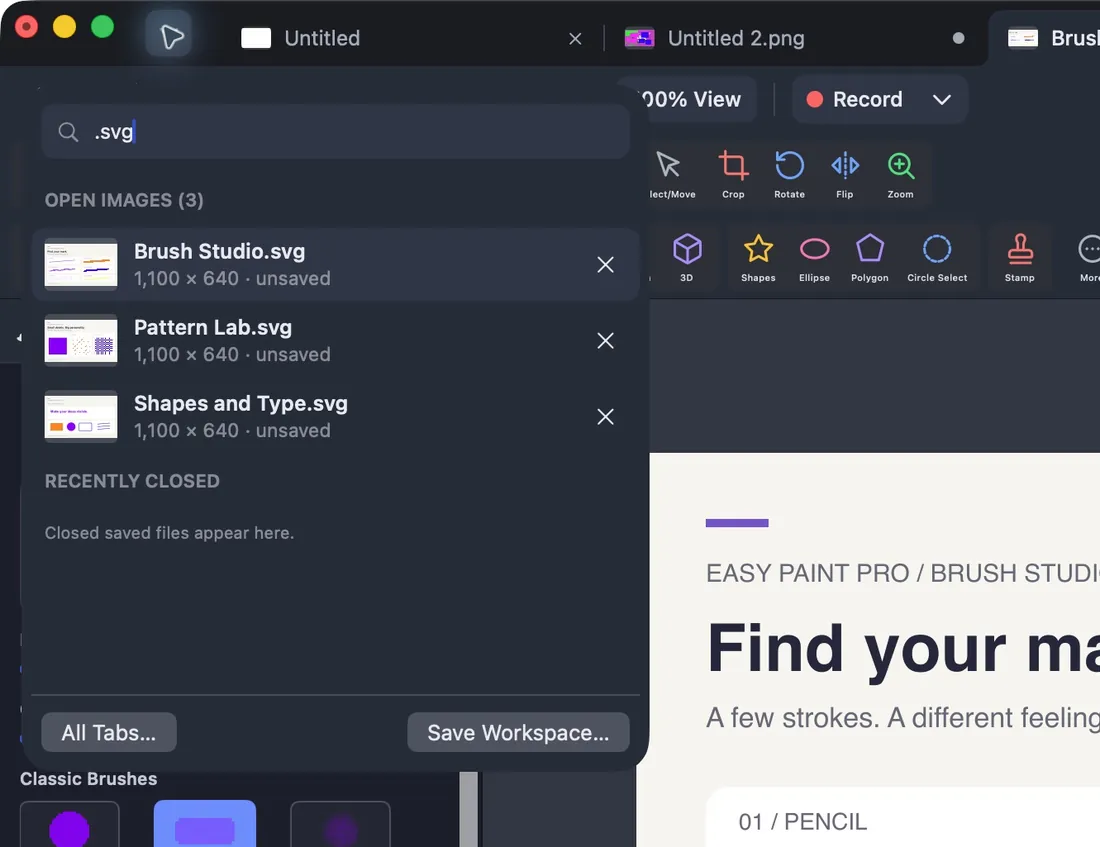
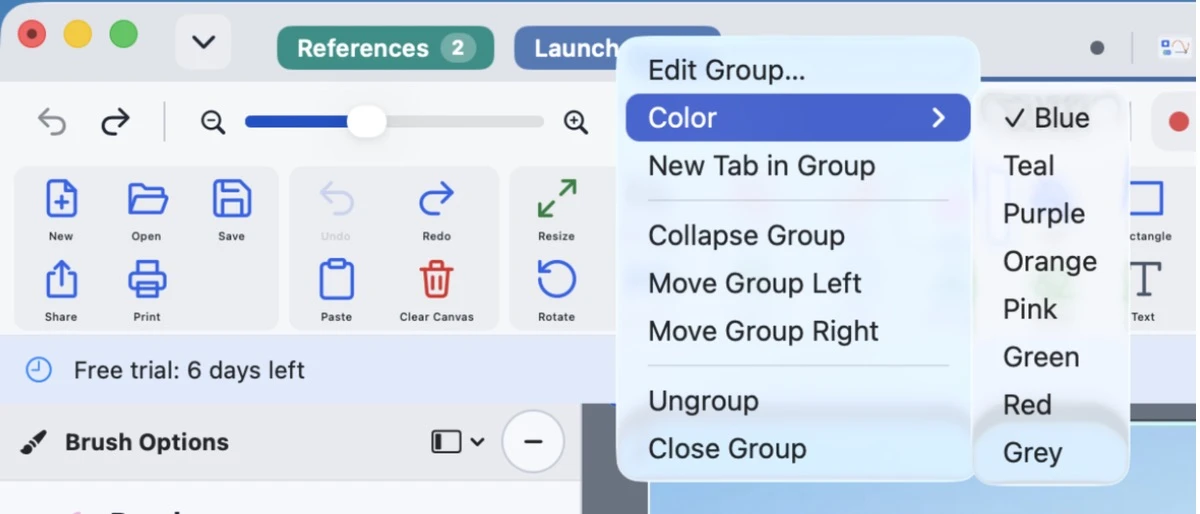
Search your open pictures, and group tabs like in Chrome: name, color, fold away.
Down to single pixels, with rulers, grid and guides.
See it made

Privacy tools
Blur, pixelate or black out names and numbers in a screenshot, then export a clean copy. No account, no upload.
Editable workspaces and recordings can keep the history of what you covered. Share the flattened export.
PDF pages
Each PDF page opens as its own paint tab. Draw, stamp or add text, then save a new PDF.
Pages are imported as images, so the original PDF text and form fields aren't editable. For filling forms and reordering original pages, Preview is the better tool.
Compare
| What you want to do | Easy Paint Pro | Apple Preview |
|---|---|---|
| Paint with real brushes | ✓Classic tips and professional brush families | ◐Sketch and Draw markup |
| Airbrush | ✓Dedicated spray tool and presets | — |
| Pattern fills with adjustable scale | ✓1× to 8× with live preview | — |
| Gradient and emoji fills | ✓Five gradient types, any emoji | — |
| Text and shapes | ✓Text boxes, shapes, lines, curves, polygons | ✓Text boxes, shapes and line styles |
| Stamps | ✓Approved, Paid, dates, custom wording | ◐Saved signatures, a different job |
| Layers and masks | ✓Names, visibility, locks, opacity, masks | — |
| Selections | ✓Rectangle, circle, lasso, magic wand | ✓Rectangle, ellipse, lasso, Smart Lasso |
| Crop, resize, rotate, adjust color | ✓Included | ✓Included |
| Classic and modern looks, custom toolbar | ✓Six looks, 1 to 3 toolbar rows, Icons Only | — |
| Record and replay your drawing | ✓Canvas recording with replay | — |
| Fill forms, sign and reorder original PDF pages | ◐Pages open as images to paint on | ✓Better choice for this |
| Price | 7 days free, then a one-time purchase | Included with macOS |
Preview features are taken from Apple’s Preview User Guide for macOS Tahoe 26, checked October 13, 2026. Easy Paint Pro is not affiliated with or endorsed by Apple.
| Capability | Easy Paint Pro | Microsoft Paint |
|---|---|---|
| Runs on | ✓macOS 14 or later, Apple silicon | Windows 11 |
| Labeled, always-visible tools | ✓A name under every button | ◐Familiar ribbon tools |
| Textured brushes with live options | ✓Watercolor, oil, crayon, splatter and professional families | ◐Built-in brush styles |
| Objects stay editable until placed | ✓Strokes, text, shapes, stamps and 3D presets | ◐Mostly pixel editing |
| Pattern and emoji fills | ✓Included | — |
| Layers | ✓Layers, opacity, locks and masks | ✓Layers |
| Precision selections | ✓Lasso, magic wand, circle select, measure | ◐Rectangle and free-form |
| Privacy cover-ups and sanitized export | ✓Blur, pixelate, redact, sanitized copy | — |
| Canvas recording and replay | ✓Included | — |
| AI image generation | —Not part of the app | ✓Depends on device and account |
| Price | 7 days free, then a one-time purchase | Included with Windows |
Microsoft Paint features as publicly documented by Microsoft in July 2026; availability varies by device, account and region. Easy Paint Pro is not affiliated with or endorsed by Microsoft. New to the Mac? Read Is there MS Paint for Mac?
Launch pricing
$29.99 once is an introductory launch price, and it won’t last. The price will go up soon, so this is the time to buy.
$0 for 7 days
Every brush, fill, skin and tool. View-only afterwards until you buy.
$29.99 one time
Buy at the launch price and keep it. The price will go up soon, and every Easy Paint Pro 3 update stays free for you.
For schools, educators and companies putting Easy Paint Pro on many Macs.
Ask about licensingMany are subscriptions you pay for every month, and paint apps you buy once can cost $80 or more.
Other apps are popular Mac painting and photo-editing apps, at their US list prices from their developers and the Mac App Store, checked October 20, 2026. Their prices may change.
Introductory launch price in US dollars, for a limited time. Sales tax or VAT is added at checkout where it applies. Sold on this website and on the Mac App Store, where Apple’s price and terms apply. A purchase in one place doesn’t unlock a copy from the other. See terms and refunds.
Also on the Mac App Store, free to download with the same 7-day trial.
Your choices are saved on this device.